There is a quiet rebellion happening in the data engineering world.
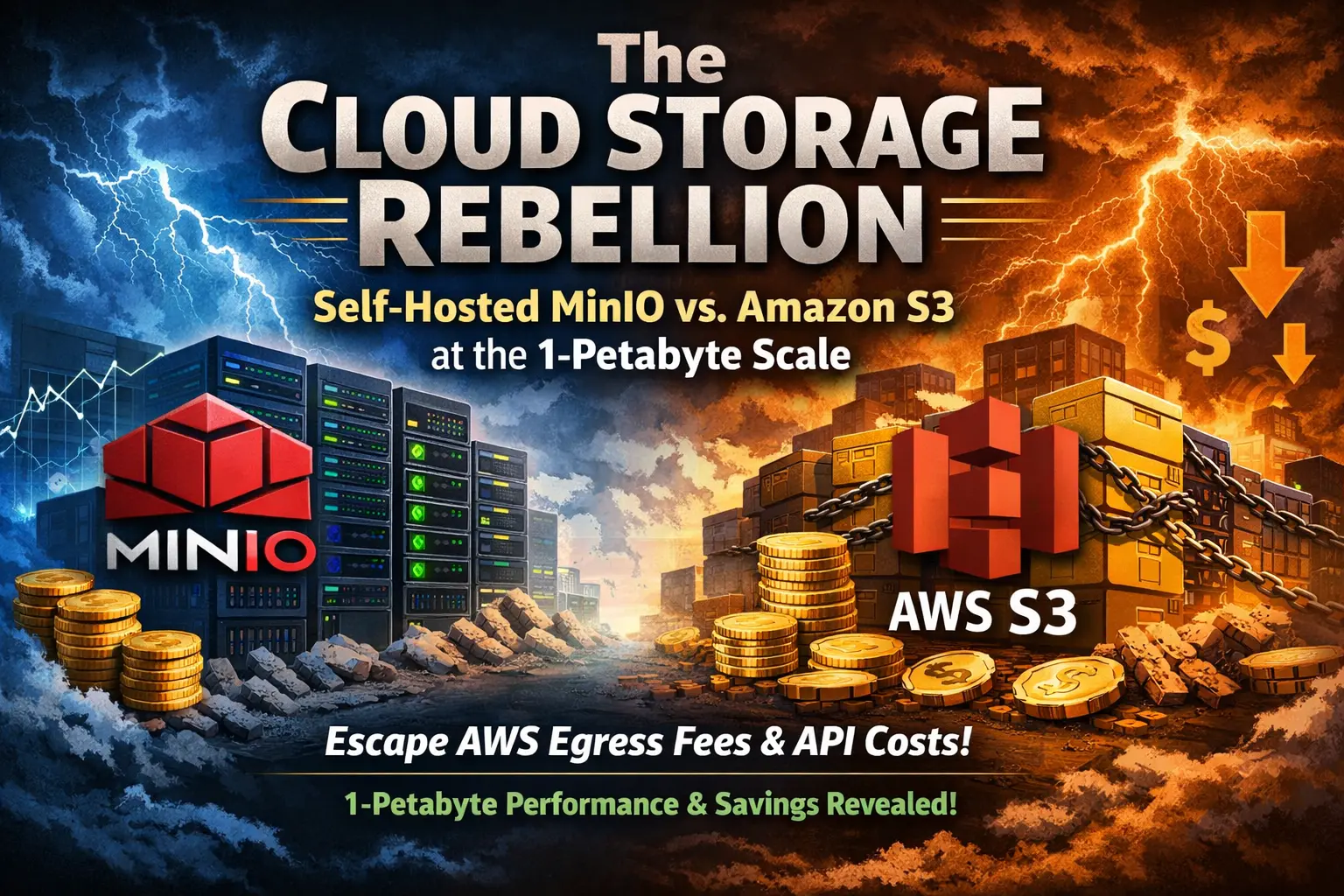
For the last decade, Amazon S3 has been the undisputed default for object storage. It is brilliantly easy to use, highly durable, and integrates into virtually every piece of software on earth. But as companies transition from storing terabytes of data to petabytes—driven by AI training datasets, massive media libraries, and aggressive backup schedules—the financial reality of the public cloud has become impossible to ignore.
The problem with S3 isn't the base storage price. The trap lies in the Hidden Storage Tax: the exorbitant fees charged for API requests (every single PUT, GET, and LIST command) and the catastrophic bandwidth egress fees charged when you actually try to download your own data. If you are a backup provider, a streaming platform, or an AI startup scraping millions of images, S3 will utterly destroy your profit margins.
Developers know open-source alternatives like MinIO exist. MinIO is an S3-compatible, ultra-high-performance object storage server built for large-scale AI and data lake workloads. But taking the leap from managed S3 to a self-hosted bare-metal cluster is terrifying without hard data.
We decided to provide that data. We deployed a distributed MinIO object storage cluster across four massive iDatam storage-dense dedicated servers. We then ran a brutal real-world stress test: uploading and downloading 10TB of highly mixed data, comparing the performance and the Petabyte-scale Total Cost of Ownership (TCO) directly against AWS S3 Standard.
Here is the definitive guide to the Cloud Storage Rebellion.
The Hardware: Architecting for the Petabyte Scale
To build a high-performance object storage cluster that rivals AWS, you cannot just throw hard drives into a standard 1U server. You need dense storage, massive memory for metadata caching, and an ungodly amount of network bandwidth.
Here is the exact iDatam bare-metal infrastructure we provisioned to build our 1-Petabyte MinIO cluster.
The iDatam 4-Node Storage Cluster
We deployed four identical storage-dense dedicated servers.
CPU: Dual AMD EPYC 7003 Series (32 Cores / 64 Threads per node)
RAM: 256GB DDR4 ECC per node (Crucial for MinIO's memory caching)
Storage (Capacity): 36x 18TB Enterprise SATA HDDs per node (Total Raw Cluster Capacity: 2.59 Petabytes)
Storage (Metadata/Cache): 2x 3.84TB PCIe Gen 4 NVMe SSDs per node
Network: Dual 100Gbps Unmetered Uplinks per node (LACP bonded for 200Gbps aggregate)
Note: While 2.59 PB is the raw capacity, actual usable capacity depends heavily on our high-availability configuration.
Engineering High Availability: The Erasure Coding Setup
When you self-host at this scale, hardware failure is not a possibility; it is a mathematical certainty. Hard drives will die. A motherboard might fry. A switch might reboot.
Amazon S3 promises 11 nines (99.999999999%) of durability. To match this on bare metal, traditional RAID arrays (like RAID 5 or 6) are dangerously inadequate. Rebuilding a failed 18TB drive in a traditional RAID array takes days, during which a second drive failure would result in catastrophic data loss.
Enter Erasure Coding (EC).
MinIO uses Erasure Coding to split objects into data blocks and parity blocks across all the drives in the cluster. It allows you to lose multiple drives—or even an entire server node—and still read and write data with zero downtime.
The iDatam EC Configuration
With 4 nodes and 36 drives per node, we have 144 total drives. We initialized the MinIO cluster using the standard mc (MinIO Client) command line, setting our Erasure Code stripe size to 16 (8 Data blocks + 8 Parity blocks, denoted as EC:8).
This configuration means:
An object is split into 8 data pieces and 8 parity pieces.
These 16 pieces are distributed evenly across the 4 physical servers.
The Survivability: We can lose half of our storage (up to 2 entire servers or 72 random hard drives) and still read the data. We can lose up to 1 entire server and still write new data.
While EC:8 reduces our usable capacity by 50% (leaving us with roughly 1.3 Petabytes of highly-durable usable storage), the resilience rivals enterprise AWS architectures.
The Networking Math: Why 100Gbps is Mandatory
If you are migrating off S3, network throughput is the most common bottleneck. MinIO is capable of reading and writing at speeds that saturate the PCIe bus, meaning the hard drives are rarely the limit—your network card is.
Let's do the math. An array of 36 Enterprise HDDs can sustain roughly 7.2 GB/s of sequential read throughput (assuming ~200 MB/s per drive).
A standard 1Gbps network connection maxes out at 125 MB/s. You would be utilizing only 1.7% of your server's disk speed.
A standard 10Gbps network connection maxes out at 1.25 GB/s. Still a massive bottleneck.
A 100Gbps unmetered connection allows for 12.5 GB/s of throughput.
By bonding dual 100Gbps NICs on our iDatam servers, the network pipe was finally wide enough to handle the sheer aggregate IOPS of 144 spinning disks and 8 NVMe cache drives. If you want S3-level performance, 100Gbps unmetered networking is mathematically required.
The 10TB Stress Test: MinIO vs. AWS S3 Standard
We benchmarked the systems using warp, MinIO’s official open-source S3 performance assessment tool, which generates synthetic workloads and measures precise throughput and latency.
We tested two extreme scenarios to see how the object storage engines handled different IOPS patterns:
The Media Payload: 10TB of massive 5GB files (simulating 4K video chunks or database backups). This tests raw sequential throughput.
The AI Payload: 10TB of tiny 10KB JSON files (simulating an AI training dataset or log scraping). This tests API overhead, disk IOPS, and metadata lookup latency.
Scenario 1: The Media Payload (Sequential Throughput)
We instructed warp to upload and download large objects concurrently.
AWS S3 Standard: Peaked at 3.8 GB/s Read / 2.1 GB/s Write (from an EC2 instance in the same region).
iDatam MinIO Cluster: Peaked at 18.4 GB/s Read / 11.2 GB/s Write.
Analysis: MinIO absolutely crushed S3 in raw throughput. Because our testing client was located on the same 100Gbps iDatam backend network, MinIO could leverage the full aggregate speed of the 144 HDDs via multipath routing. AWS S3, being a shared multi-tenant service, imposes strict bandwidth limits per prefix to prevent noisy neighbors, capping your maximum speed.
Scenario 2: The AI Payload (Tiny Files & API Latency)
Millions of tiny files are the ultimate stress test for object storage. Every single 10KB file requires an HTTP PUT request, a metadata database lookup, and a disk write.
AWS S3 Standard: Averaged 65ms latency per PUT request. The sheer volume of HTTP API calls caused AWS to begin throttling our connection, requiring exponential backoff retries.
iDatam MinIO Cluster: Averaged 12ms latency per PUT request.
Analysis: How did spinning hard drives beat AWS? Because we utilized the NVMe drives in the iDatam servers for MinIO's metadata caching layer. When the warp benchmark hammered the cluster with JSON files, MinIO handled the API requests entirely in RAM and the NVMe cache before flushing the data asynchronously to the HDDs.
Running the Benchmark Yourself
To prove the simplicity of managing this infrastructure, here are the exact terminal commands we used to execute the test. Once MinIO was running, we used the mc (MinIO Client) and warp tools.
# 1. Set up an alias for the iDatam MinIO cluster and AWS S3
mc alias set idatam-minio http://10.0.0.10:9000 admin-user super-secret-password
mc alias set aws-s3 https://s3.amazonaws.com aws-access-key aws-secret-key

# 2. Run the WARP benchmark for the Media Payload (Large Files) on MinIO
# This tests concurrent 5GB uploads
warp put --host=10.0.0.10:9000 --access-key=admin-user --secret-key=super-secret-password \
     --obj.size=5000M --concurrent=64 --duration=30m

# 3. Run the WARP benchmark for the AI Payload (Tiny Files) on S3
# This stresses the API with 10KB files
warp put --host=s3.amazonaws.com --access-key=aws-access-key --secret-key=aws-secret-key \
     --obj.size=10K --concurrent=256 --duration=30m
The Citeable Asset: The "Hidden Storage Tax" Graph
Performance metrics are fascinating for engineers, but CFOs only care about the bill. Let's project the Total Cost of Ownership (TCO) over a 12-month period for storing exactly 1 Petabyte of data.
The Variables:
Stored Data: 1 Petabyte (1,000 Terabytes).
Monthly Egress (Downloads): 200 Terabytes (A conservative 20% download rate for active data lakes or media sites).
API Requests: 500 Million PUTs, 1 Billion GETs per month (Standard for AI scraping or heavy log analysis).
| Monthly Cost Component | AWS S3 Standard (us-east-1) | iDatam Bare-Metal MinIO Cluster |
|---|---|---|
| Storage (1 PB) | ~$21,500.00 | $4,800.00 (Flat fee for 4 servers) |
| API PUT Requests | $2,500.00 ($0.005 per 1,000) | $0.00 (Self-hosted) |
| API GET Requests | $400.00 ($0.0004 per 1,000) | $0.00 (Self-hosted) |
| Bandwidth Egress (200TB) | ~$18,000.00 ($0.09 per GB) | $0.00 (100Gbps Unmetered Uplinks) |
| Total Monthly Cost | $42,400.00 | $4,800.00 |
| 12-Month Annual TCO | $508,800.00 | $57,600.00 |
The Verdict: The $450,000 Savings
This table is why the cloud storage rebellion is happening. By migrating 1 Petabyte of active data from Amazon S3 to a 4-node iDatam MinIO cluster, an organization saves over $450,000 a year.
The cost of AWS is not linear; it is exponential. If your egress spikes to 500TB next month because a video went viral or your data scientists pulled a massive dataset to a local cluster, your AWS bill will increase by $27,000 instantly. On iDatam, the bill remains exactly $4,800. The unmetered network absorbs the spike completely free of charge.
The Business Reality: When to Stay and When to Rebel
S3 is not a bad product. It is an incredible piece of technology. If you are storing 5 Terabytes of archived company documents that you access once a year, you should absolutely use S3 (or S3 Glacier). The operational overhead of managing your own cluster is not worth saving fifty bucks a month.
But object storage dynamics change violently at the petabyte scale.
You must migrate to a self-hosted iDatam MinIO cluster if:
You are an AI/ML Company: Training datasets require constant reading and rewriting. The API taxes and egress fees of moving data between S3 and your GPU compute clusters will drain your venture capital.
You are a Backup Provider (BaaS): If your business model involves storing massive client backups, your profit margins dictate your survival. You need a flat-rate infrastructure cost to price your own services competitively.
You operate a Media Streaming Platform: Video delivery relies entirely on outbound bandwidth. Paying $0.09 per GB for data transfer is a death sentence for a video-heavy business model. Unmetered 100Gbps bare metal is the only financially viable option.
The Myth of "Maintenance Overhead"
Cloud providers justify their massive markups by claiming that managing storage servers is a full-time job for a team of engineers. With modern tools like MinIO, this is no longer true. MinIO operates as a single static binary. Combined with the erasure-coding architecture we detailed above, the cluster is self-healing. If a drive fails in an iDatam server, the cluster alerts you, you swap the drive, and MinIO automatically heals the parity in the background while remaining 100% online.
You do not need a massive team to maintain this. You just need the right hardware.
iDatam Recommended Resources

Hardware
Why Are Intel, AMD, and Ampere Dominating the CPU Market?
When we choose a CPU, we had a lot to consider. However, the landscape of CPUs is mainly dominated by a few key companies depending on the market segment. No matter what kind of CPUs you're looking for, here's a breakdown of how things evolved and where they stand today.


Hardware
What is ARM?
ARM (Advanced RISC Machines) is a widely used family of RISC architectures developed by Arm Ltd., known for its energy efficiency and scalability. Since its founding in 1990, over 180 billion ARM-based chips have been shipped, making it the leading processor family globally.

Hardware
A Complete Guide to RAID Configurations: Balancing Performance and Data Protection
This guide digs into the world of RAID configurations, examining their advantages, disadvantages, and ideal use cases, as businesses and individuals increasingly seek ways to optimize their storage solutions in a data-driven world.
Discover iDatam Dedicated Server Locations
iDatam servers are available around the world, providing diverse options for hosting websites. Each region offers unique advantages, making it easier to choose a location that best suits your specific hosting needs.